
© Copyright 2004-2026 SCREEN PRO® All Rights Reserved | Specifications are subject to change without notice. All Rights ReservedSite Map Designed by iwonder.cn


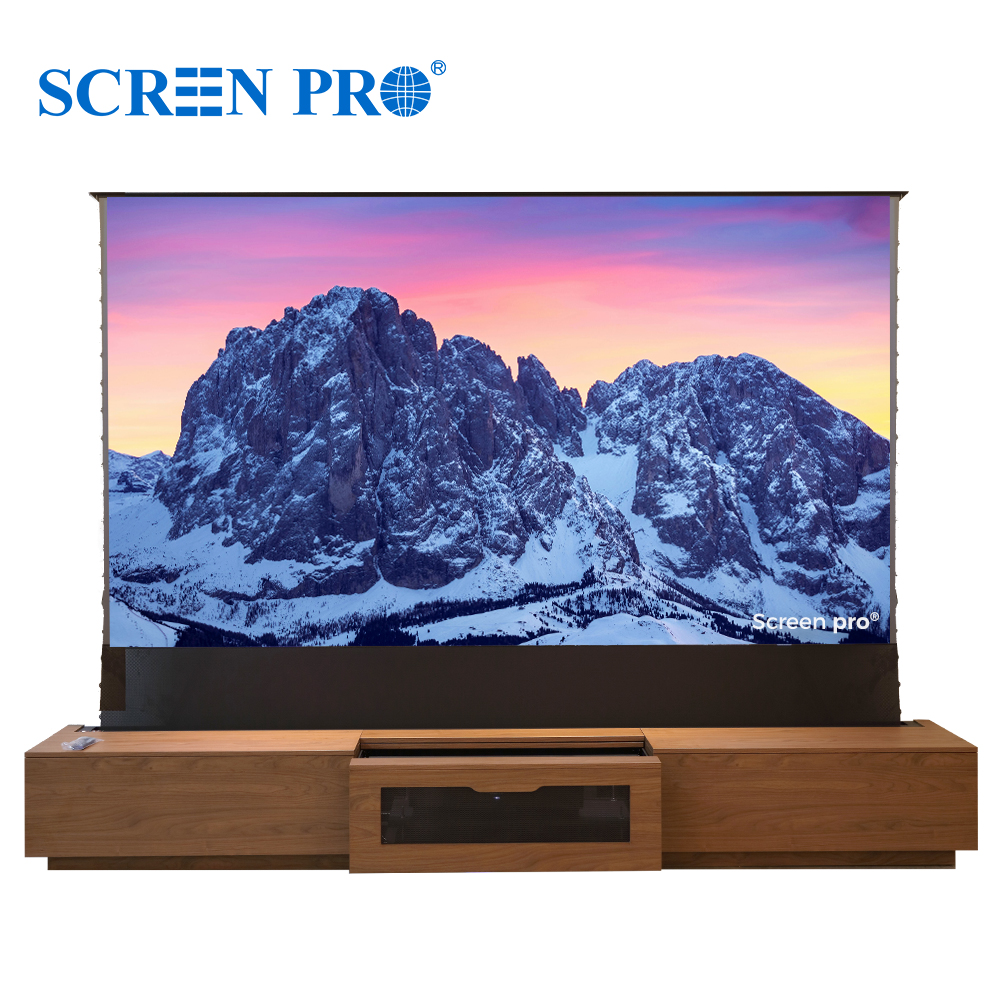
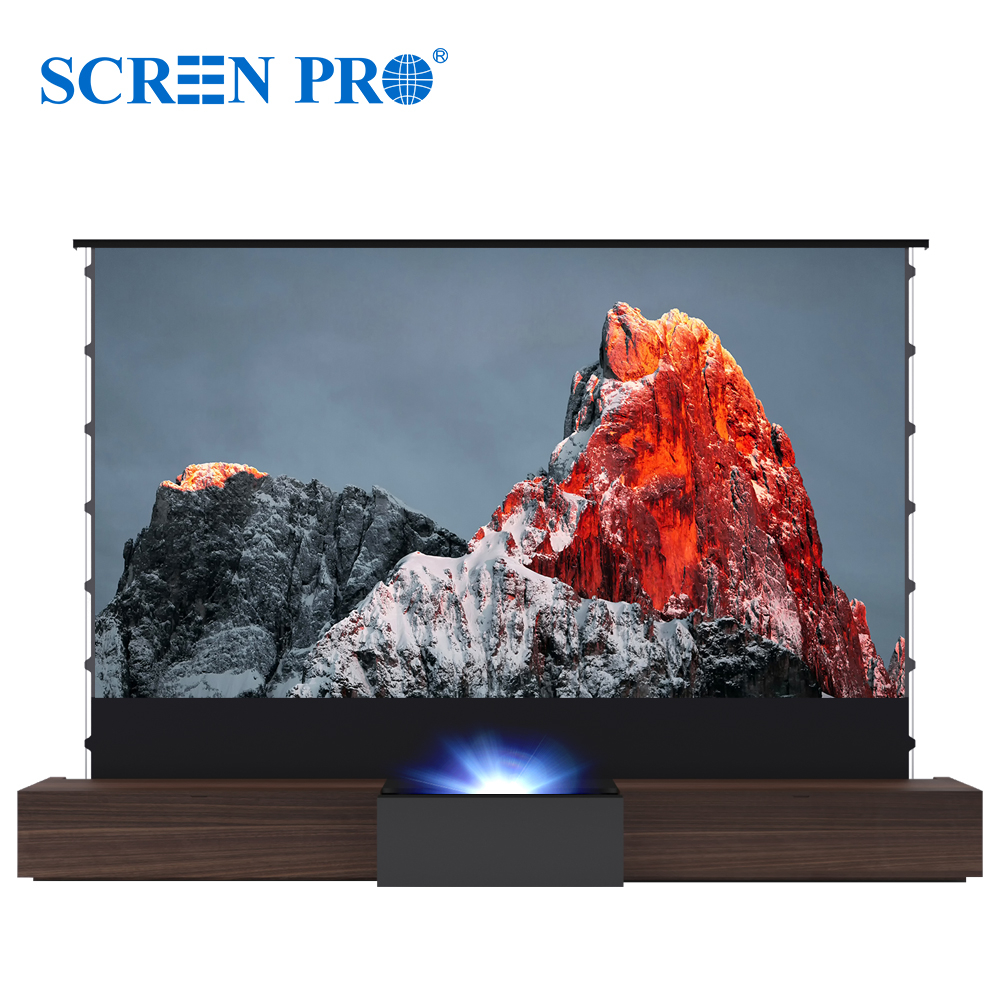
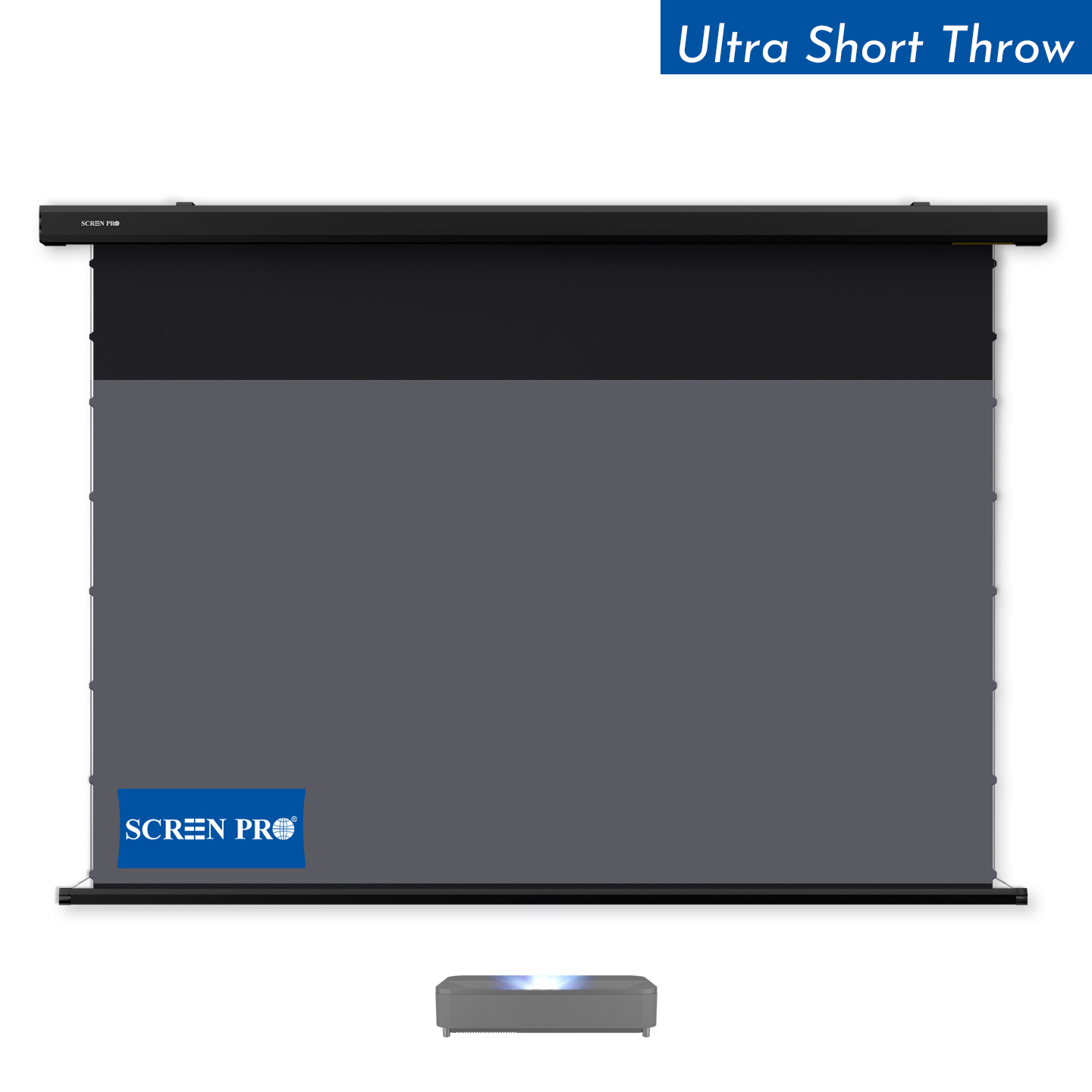
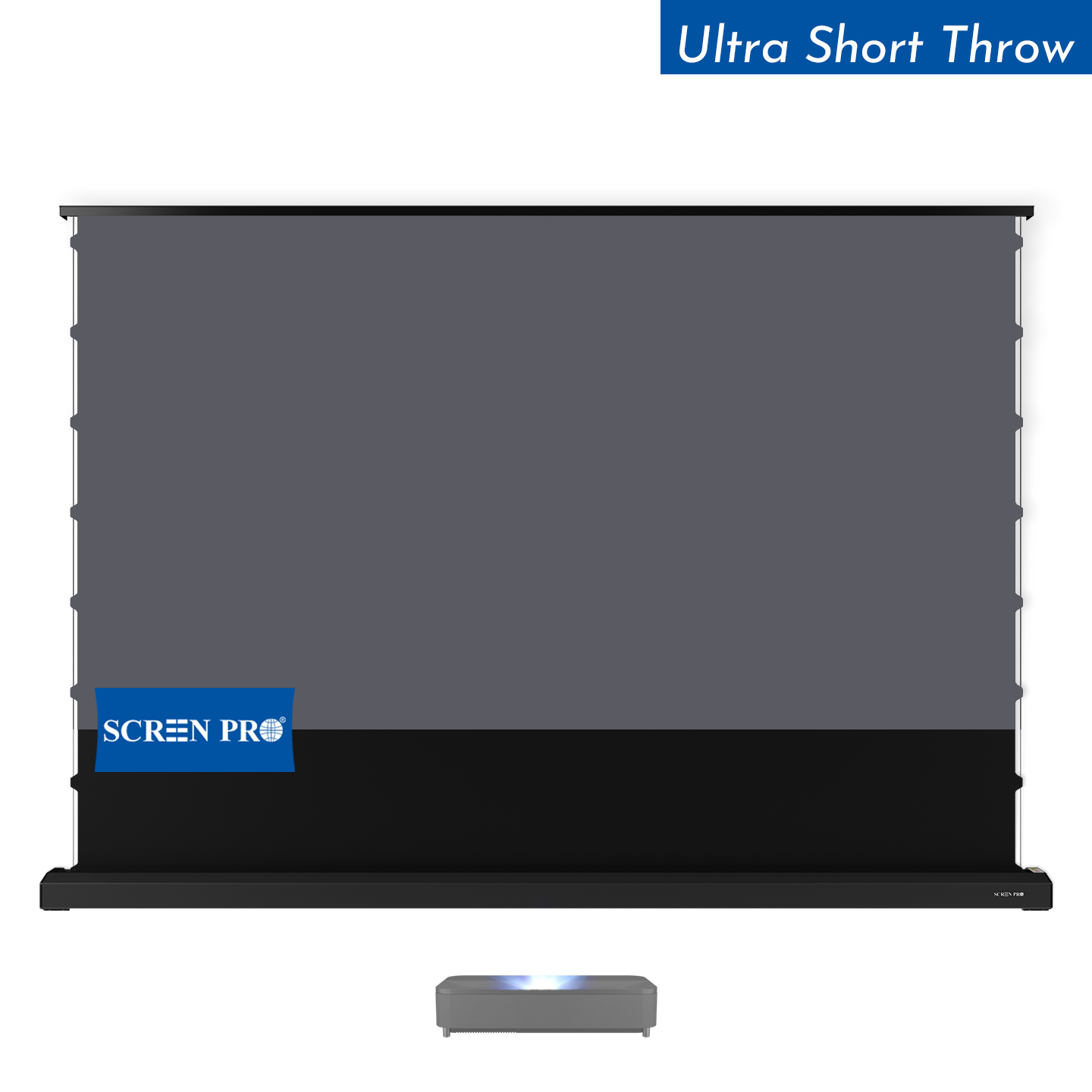
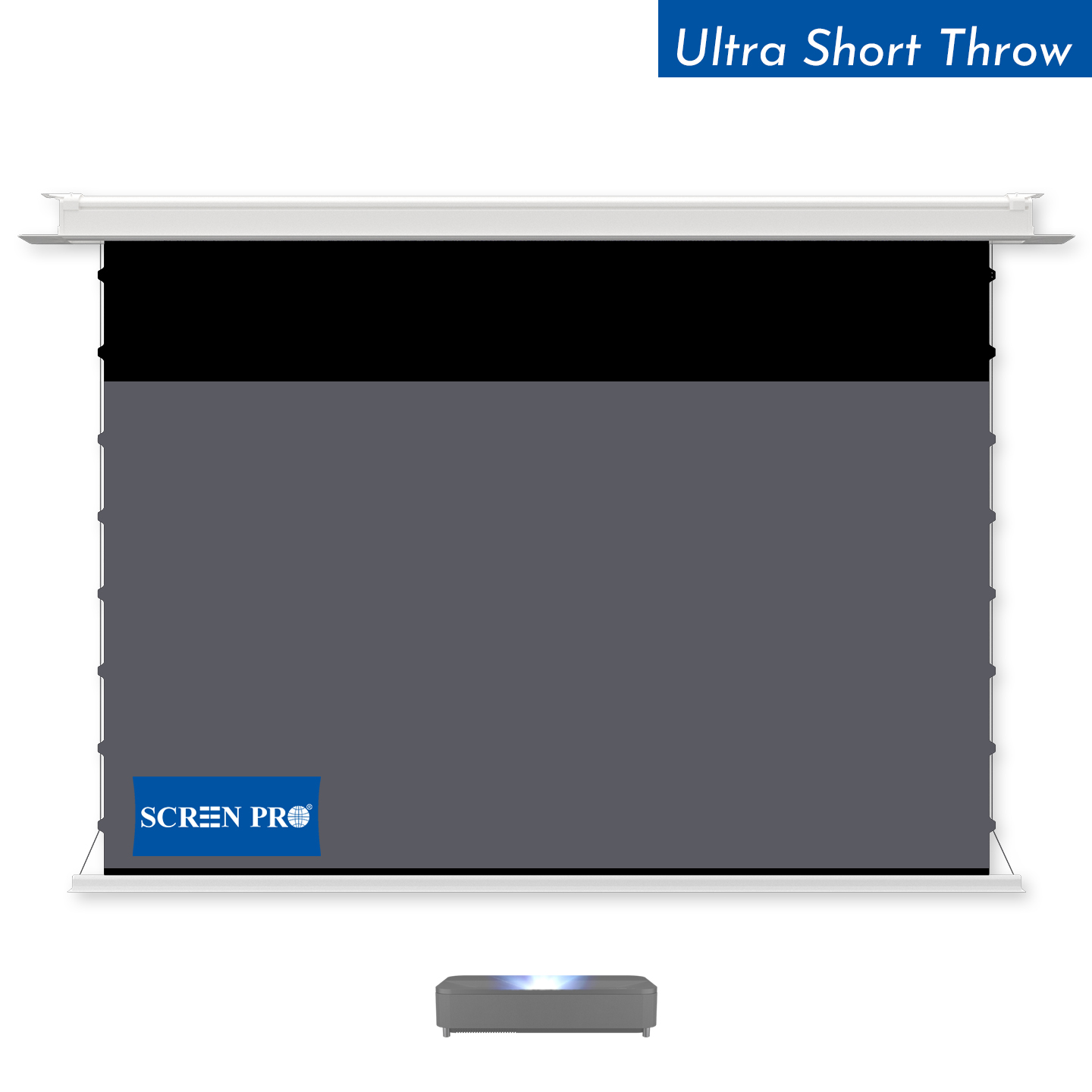
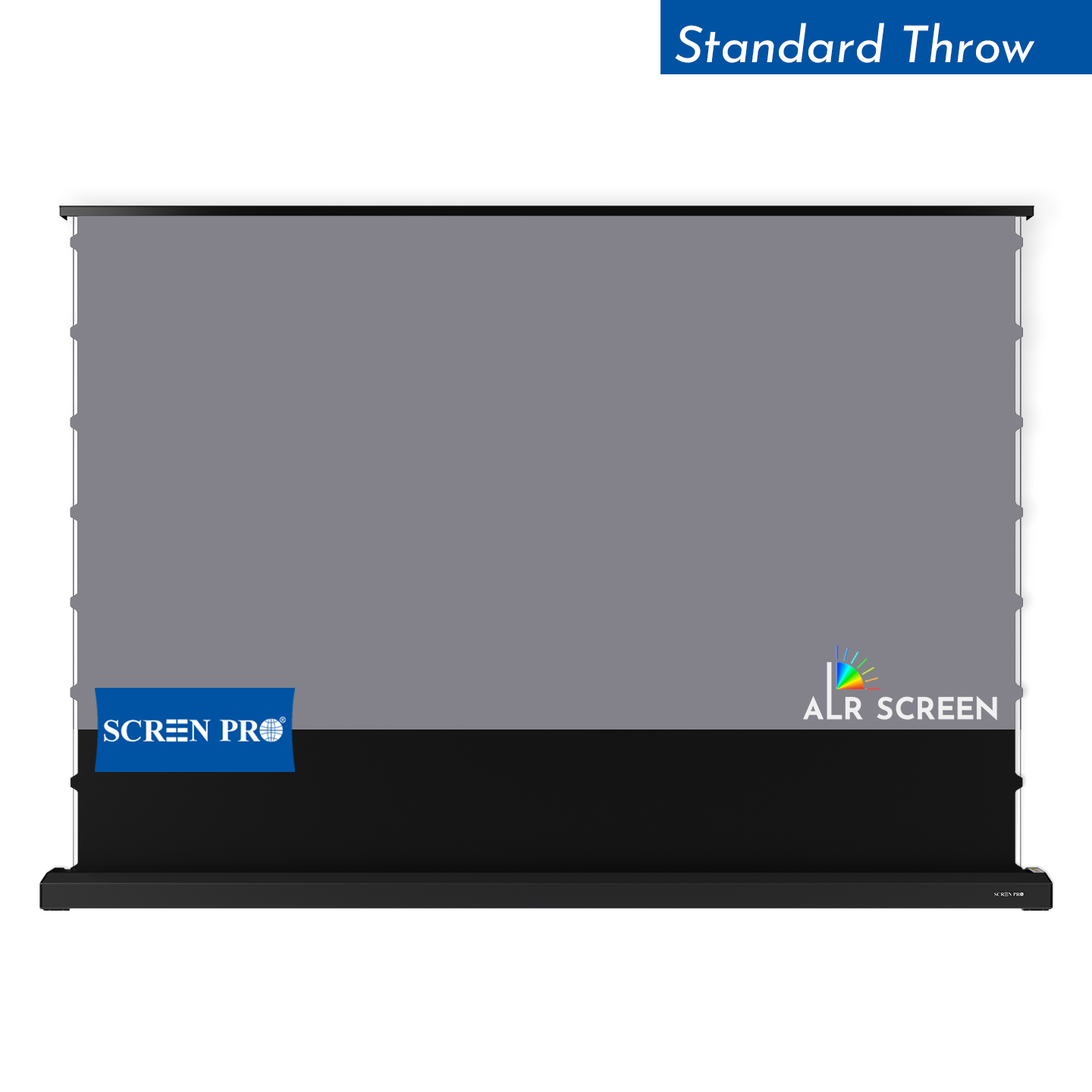
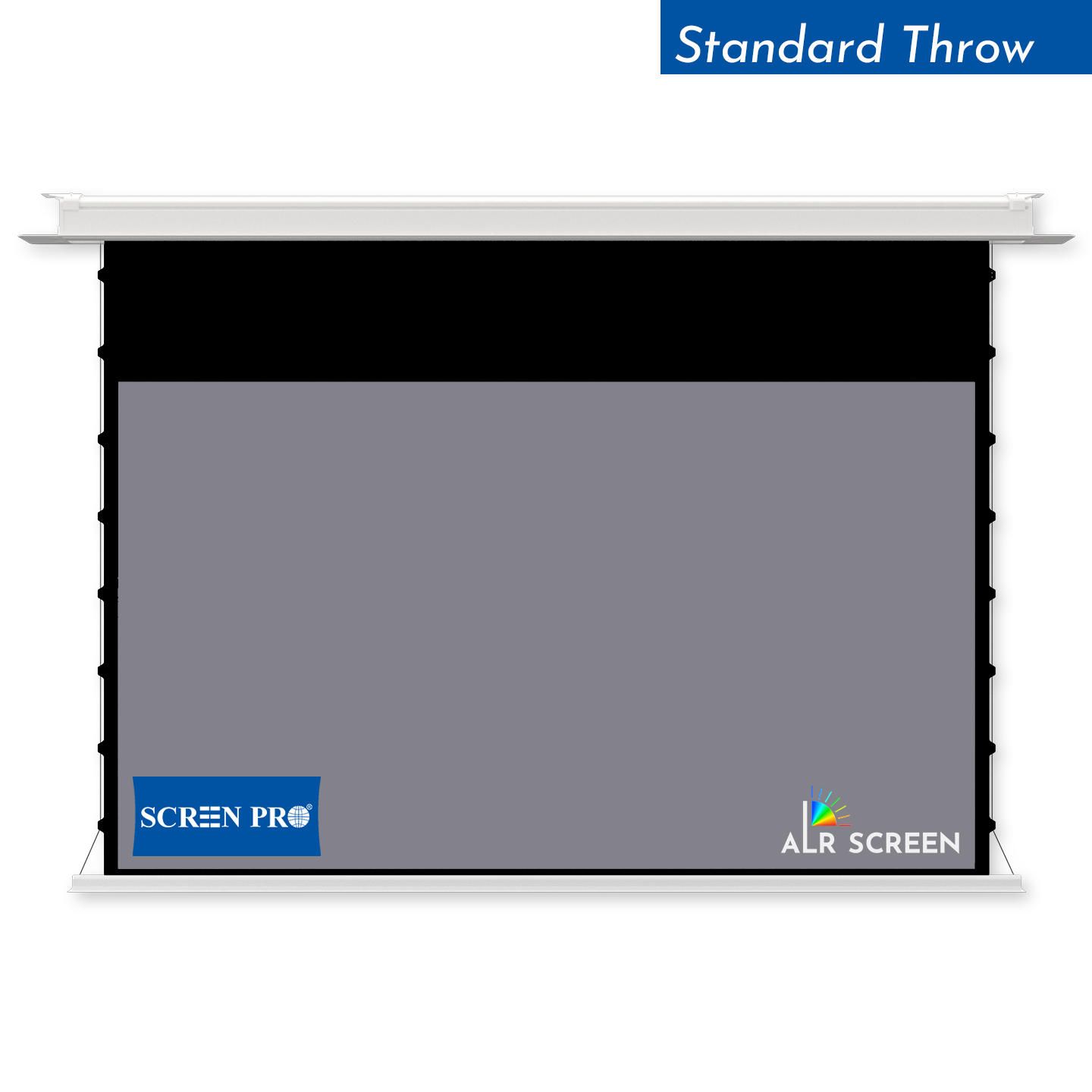
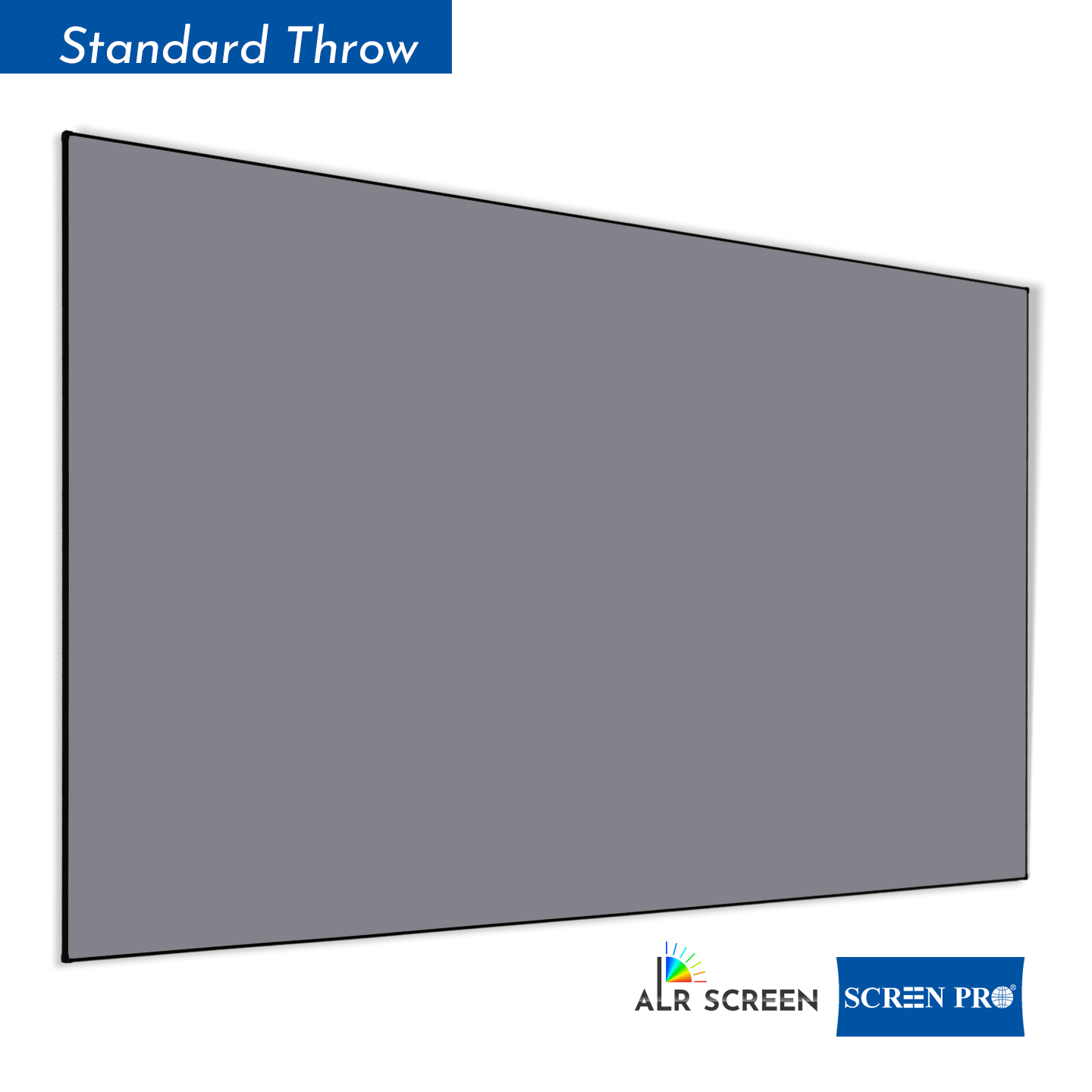
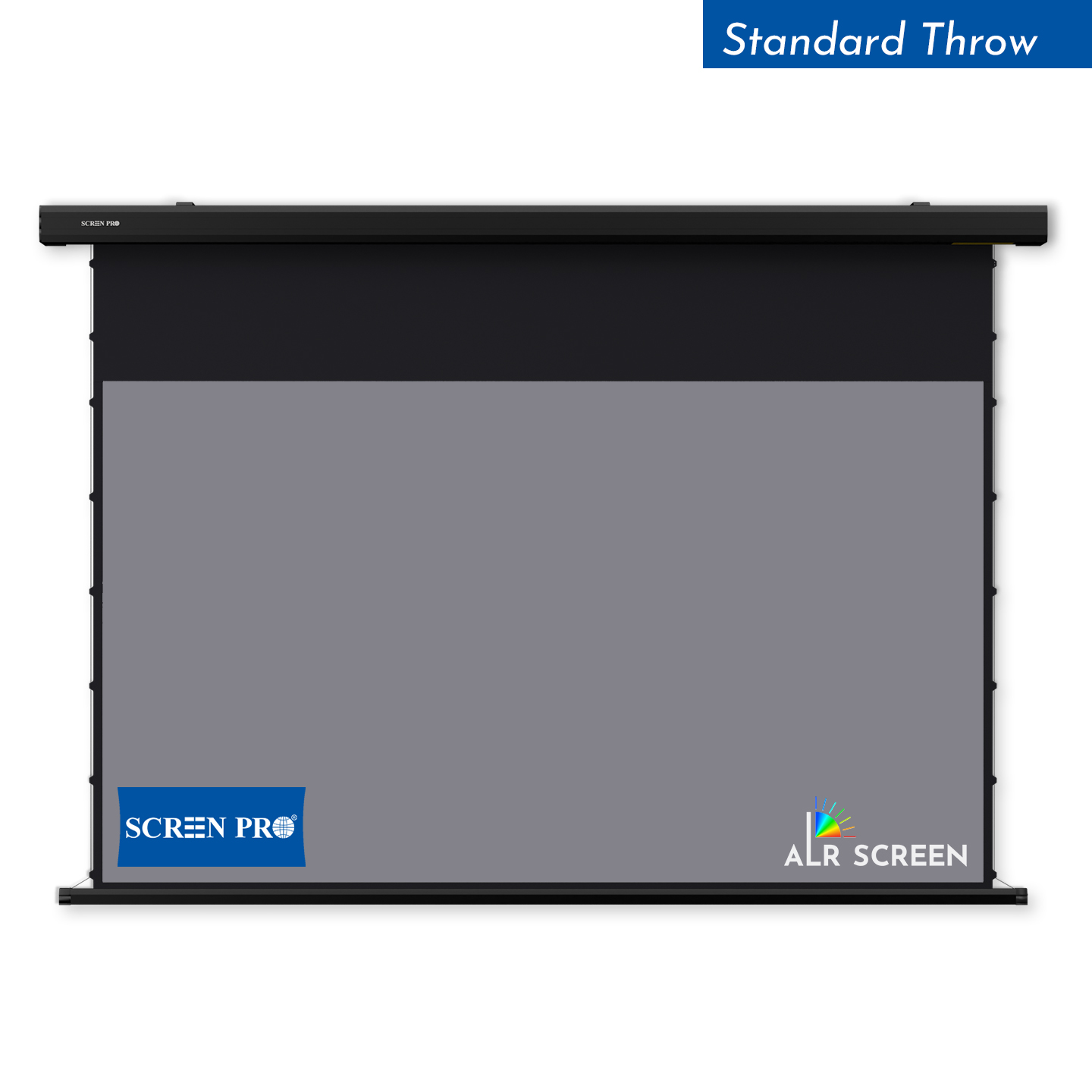
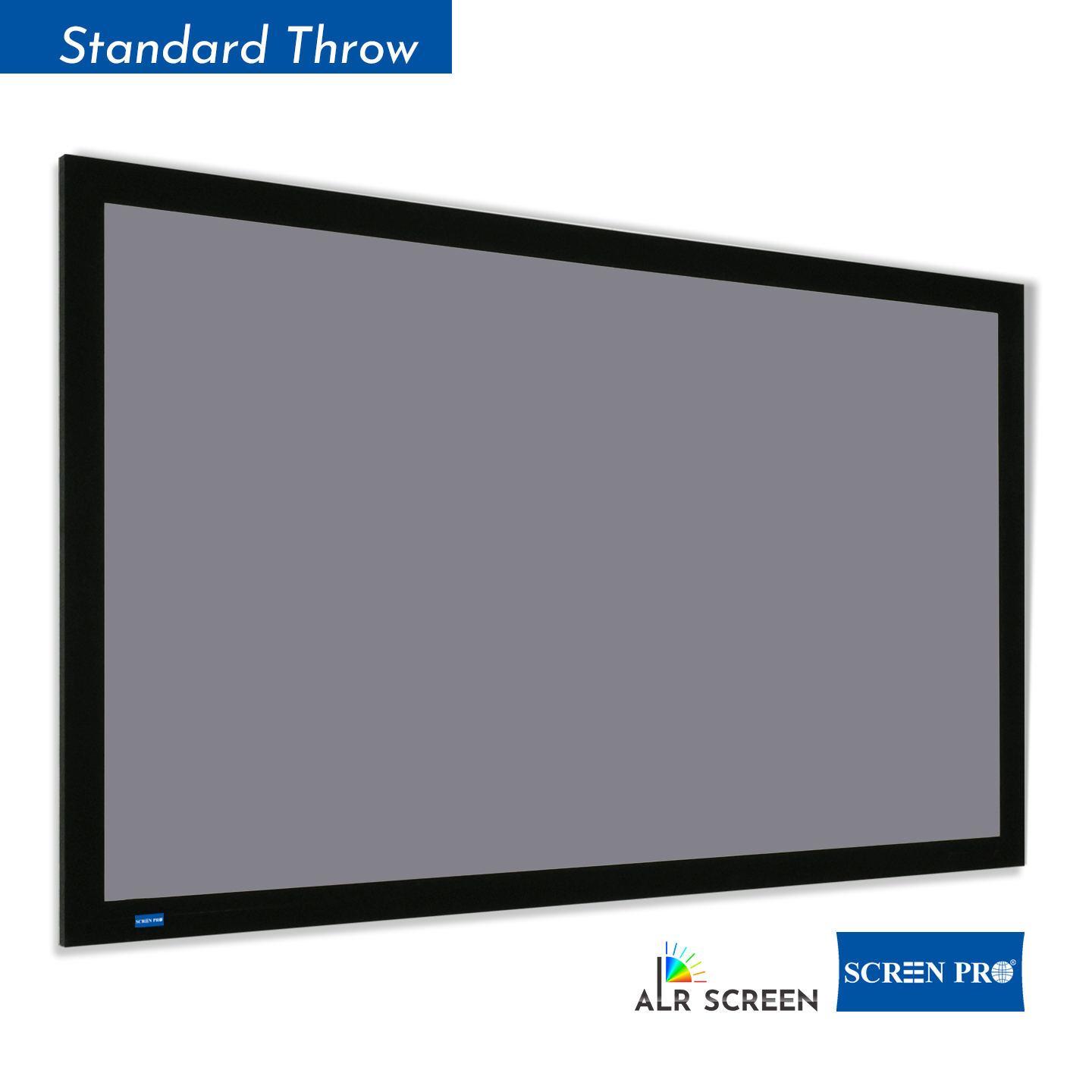
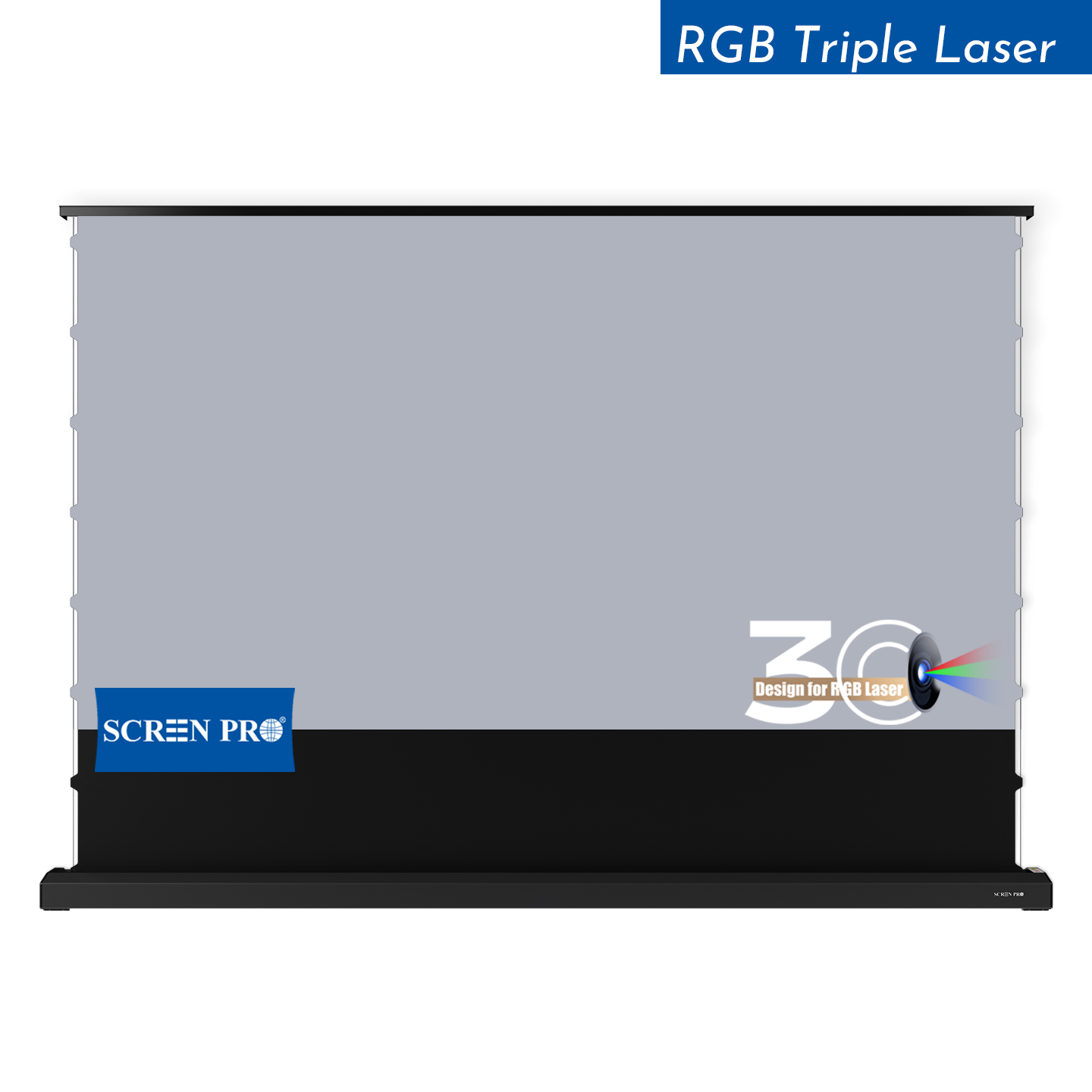
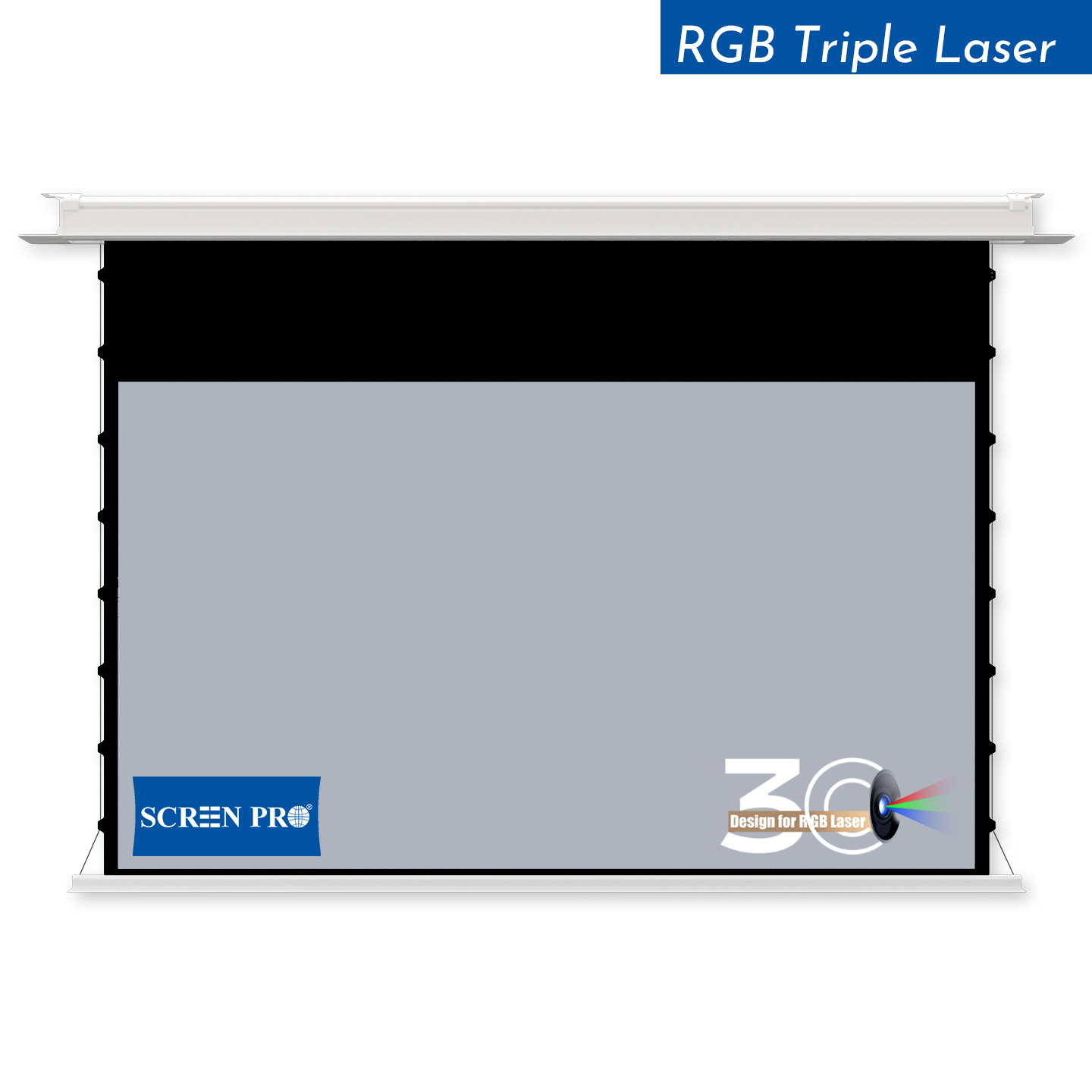
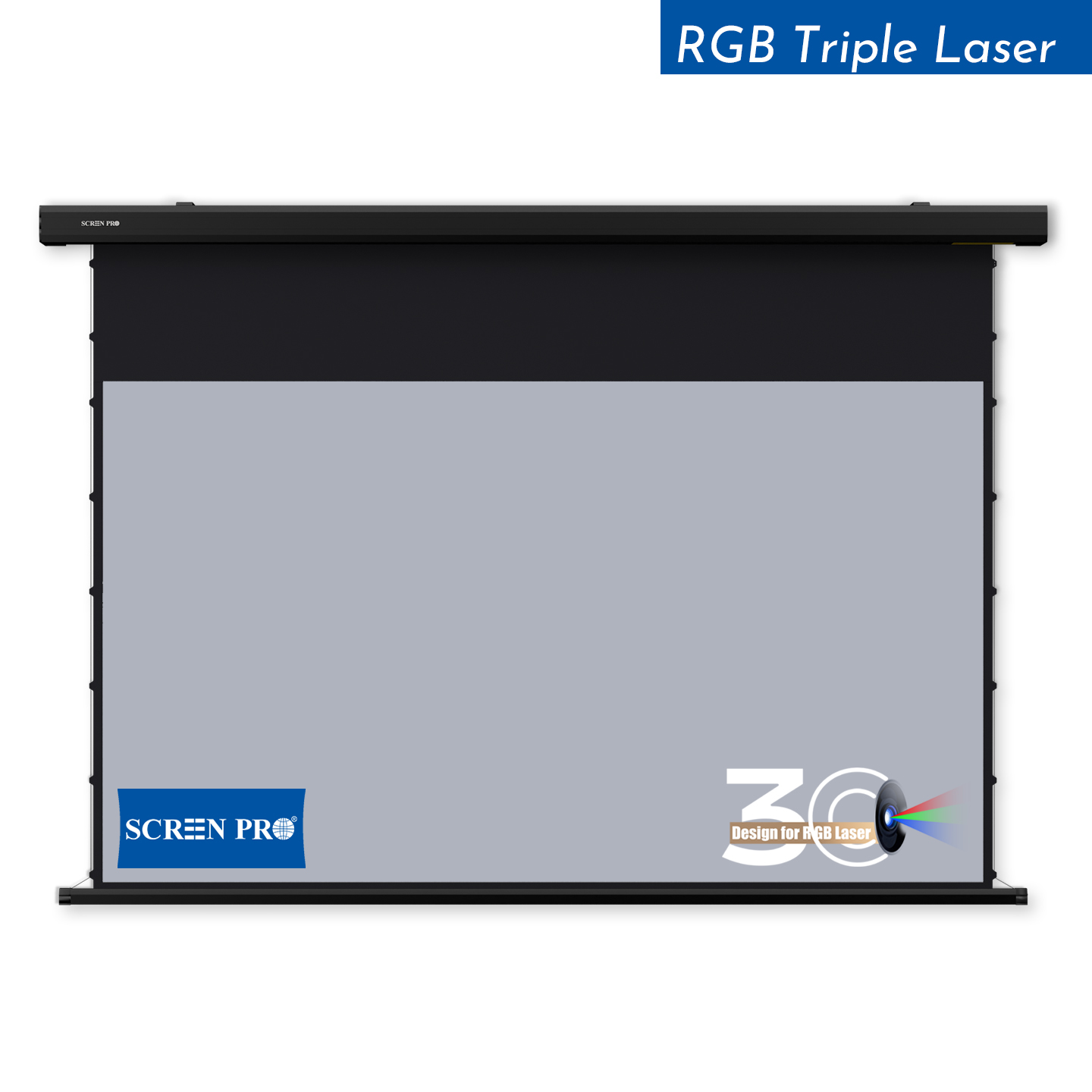
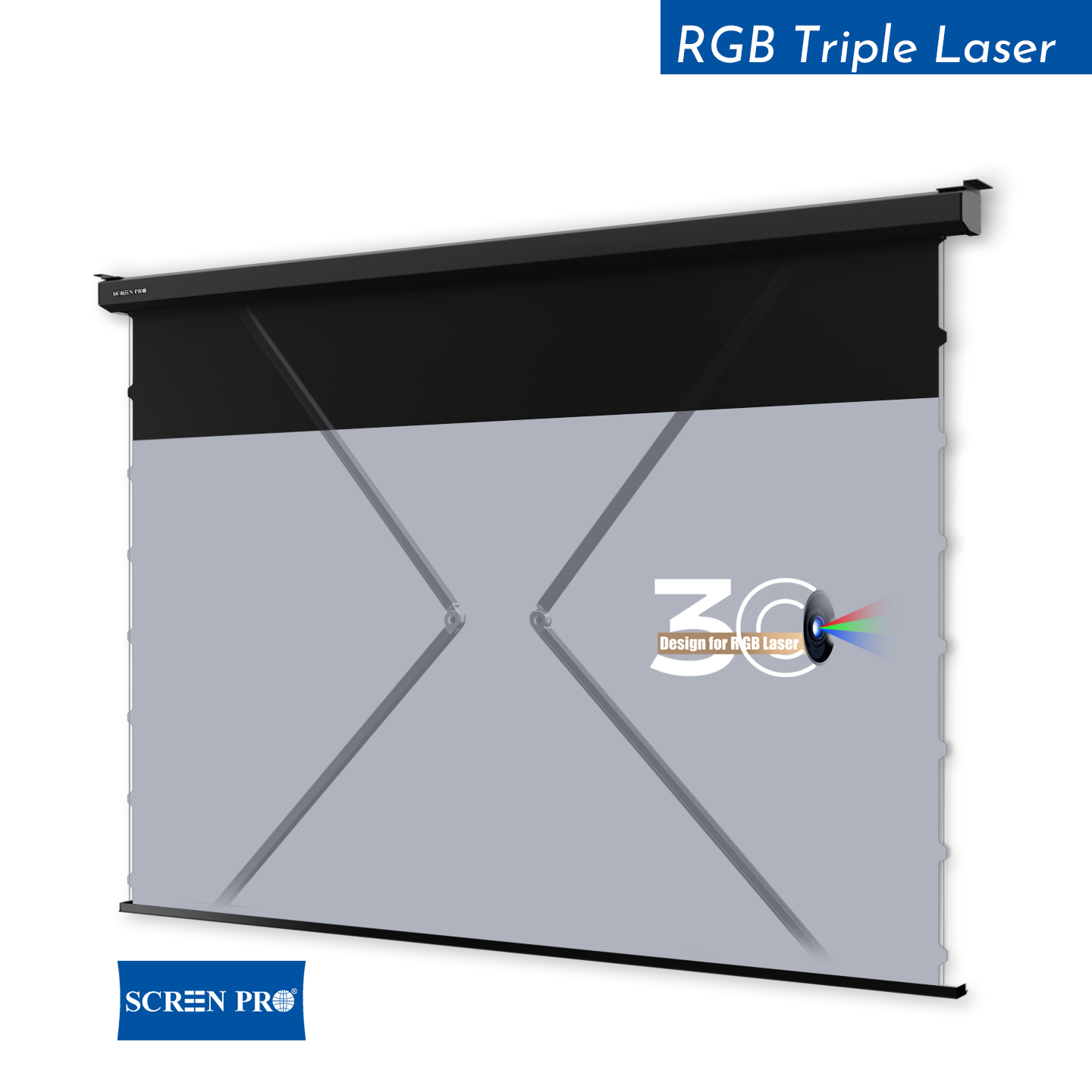
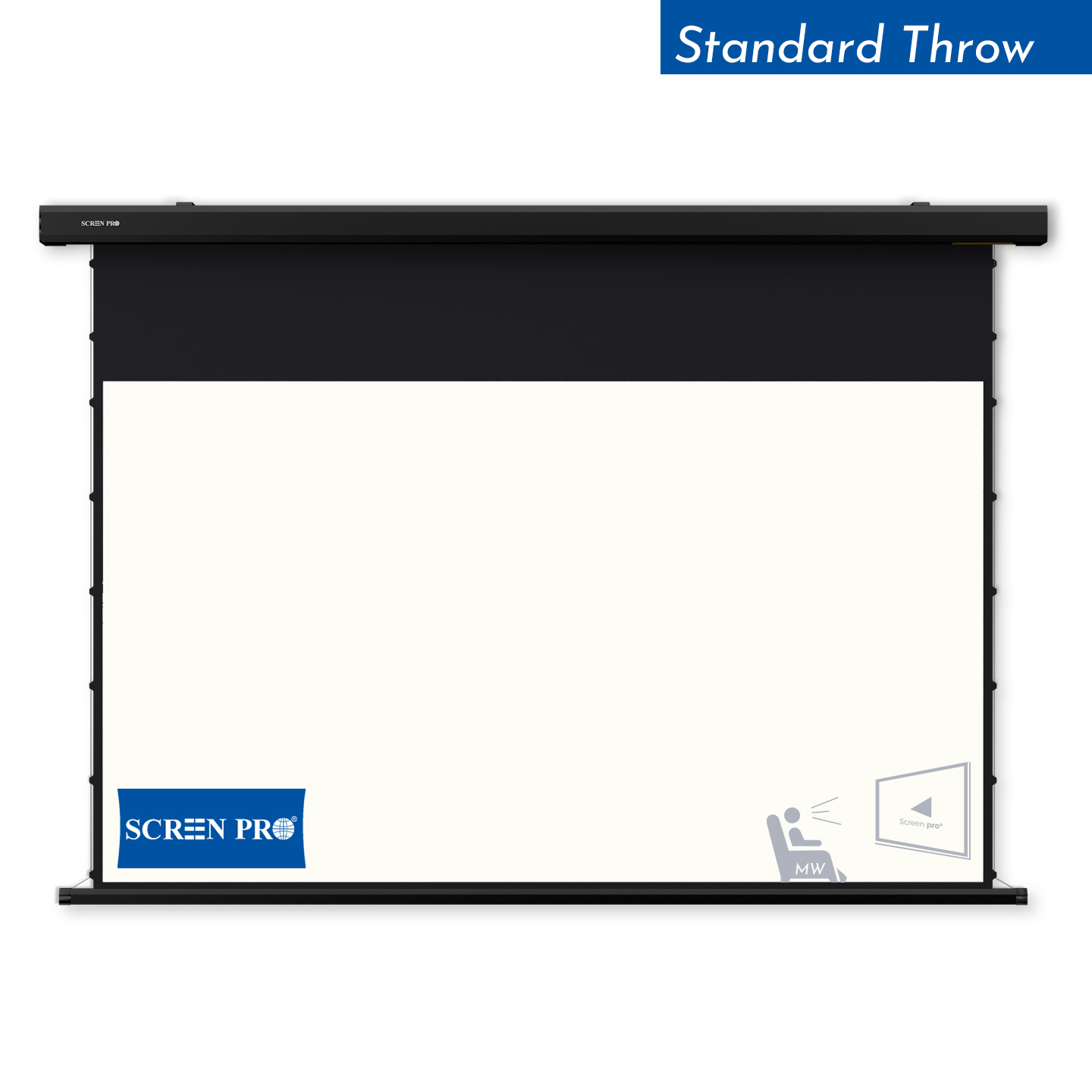
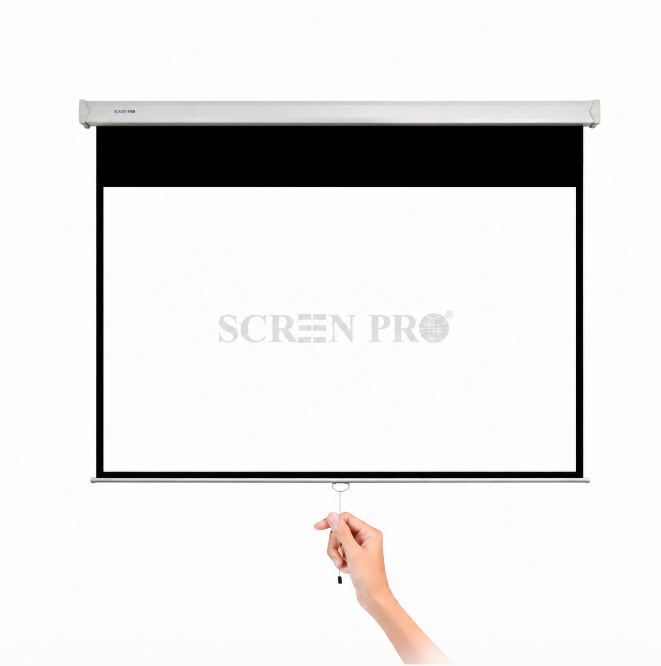
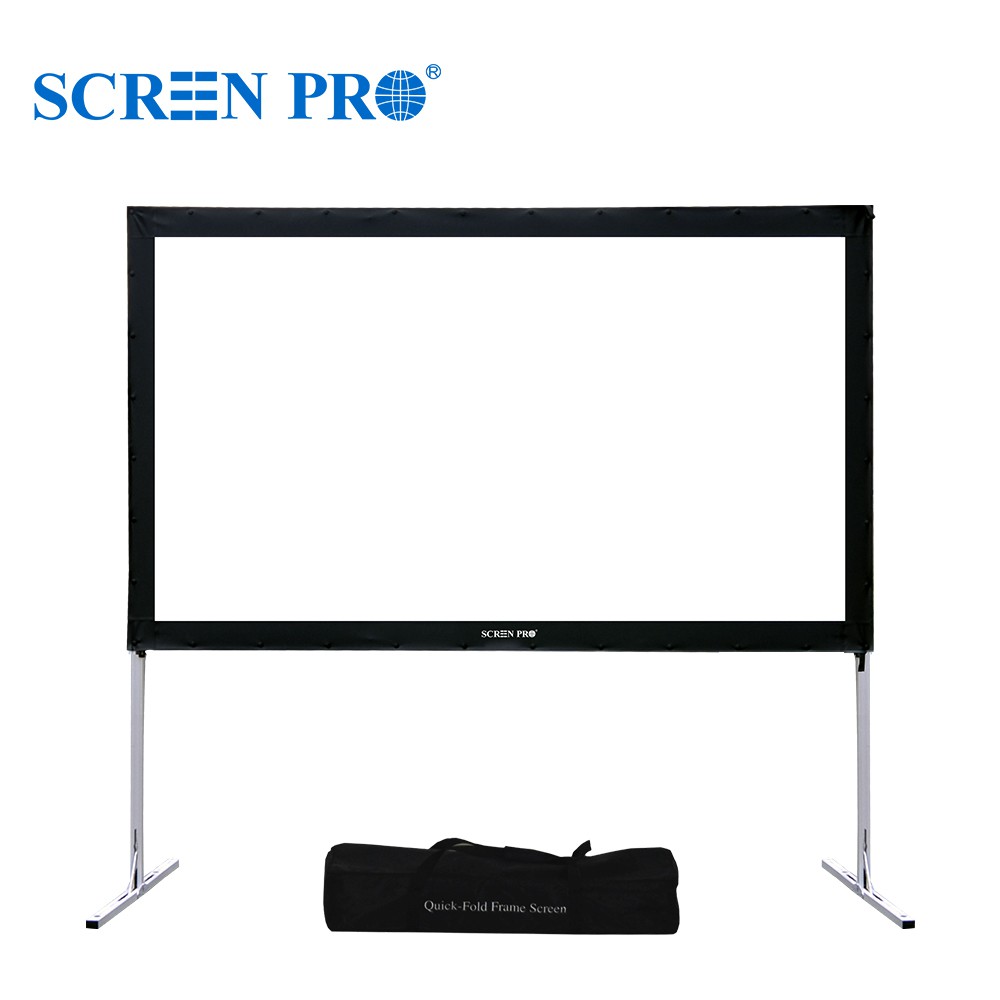
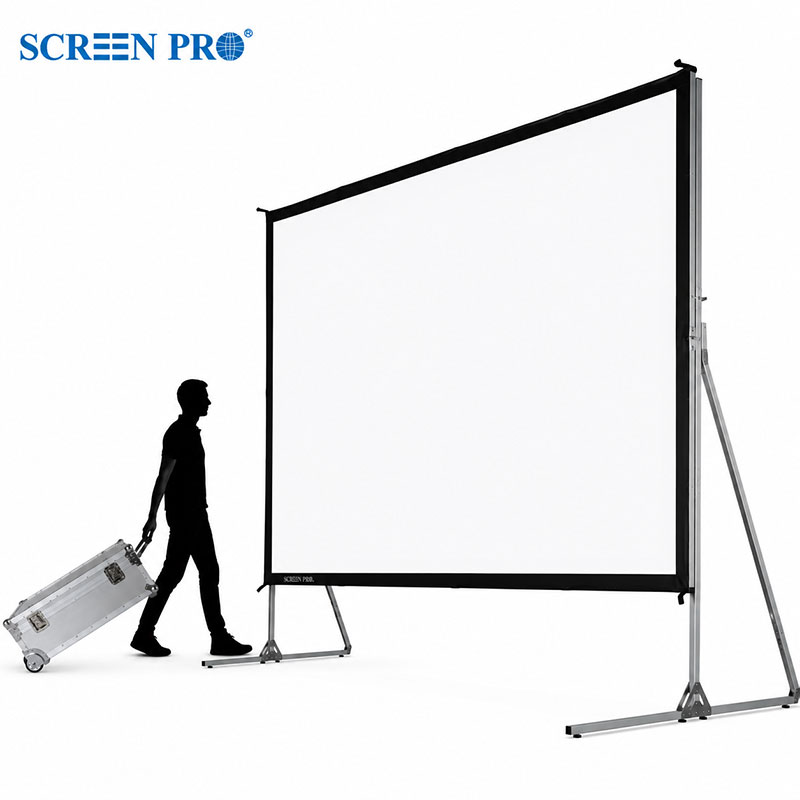
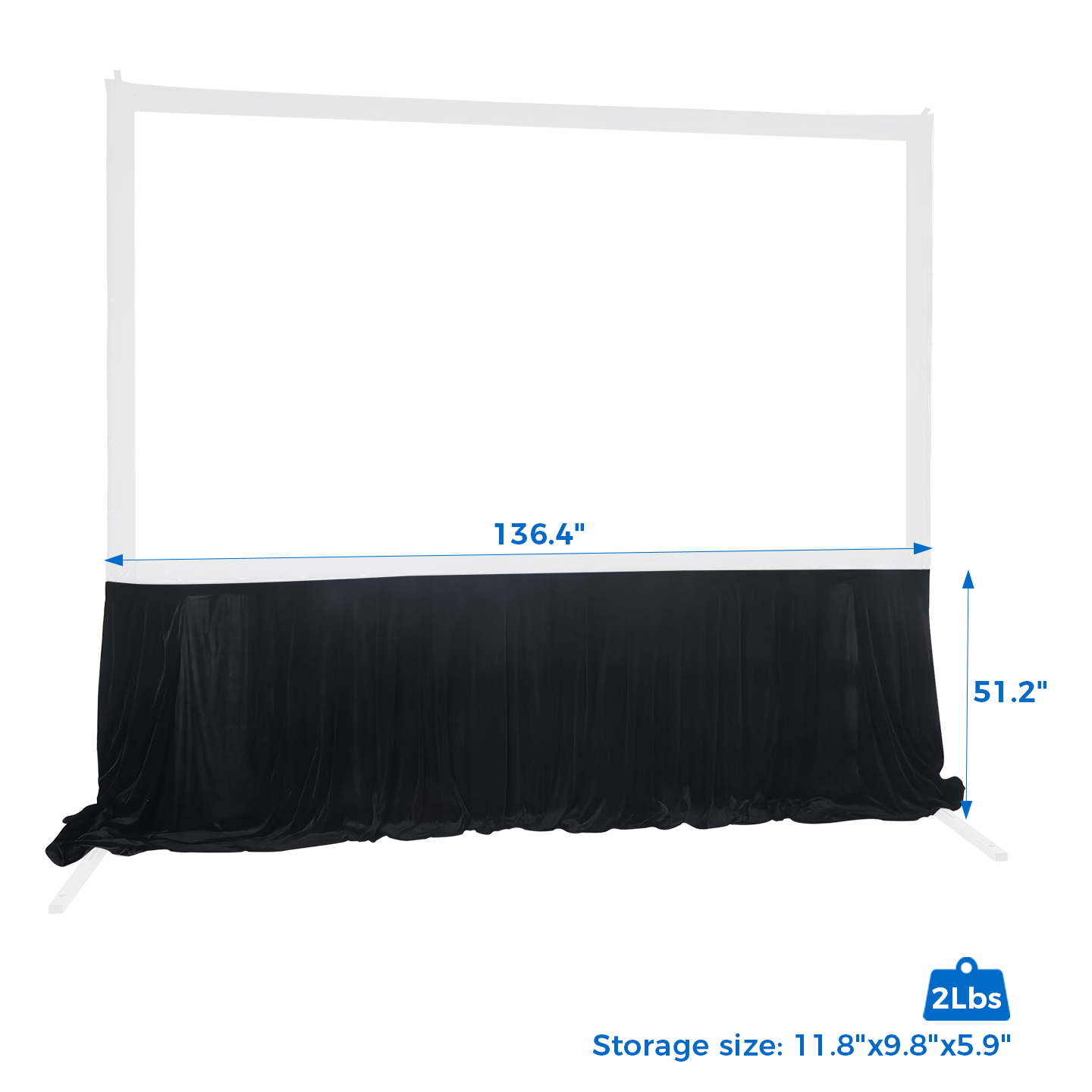
For standard projection screens, specifications usually include the viewing area, upper black drop, side borders, bottom border, and other masking areas.
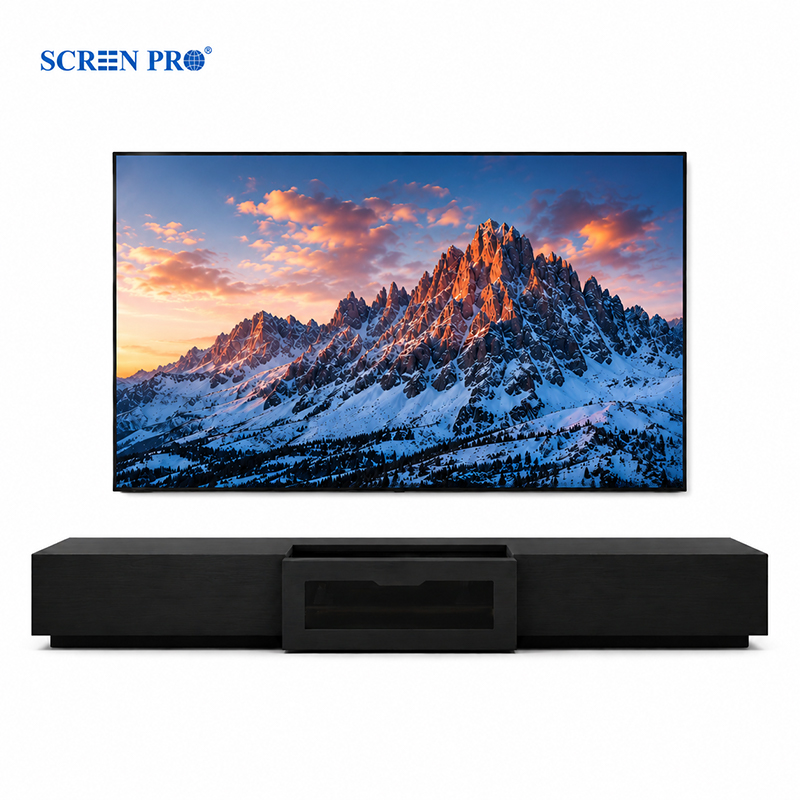
With SCREENPRO Full-Screen customization, the original border structure is still retained, but the black masking areas are made in the same color as the projection fabric. The effective viewing area remains the specified aspect ratio and screen size, while the upper black drop, left and right borders, and lower border become matte white projection fabric instead of black masking.
Yes. Full-Screen means there is no black border visually, but the border fabric still exists. It is made in the same color as the viewing area and keeps the same standard extended structure.
Yes. SCREENPRO can customize the screen without left and right black borders while keeping other areas according to your project requirements.
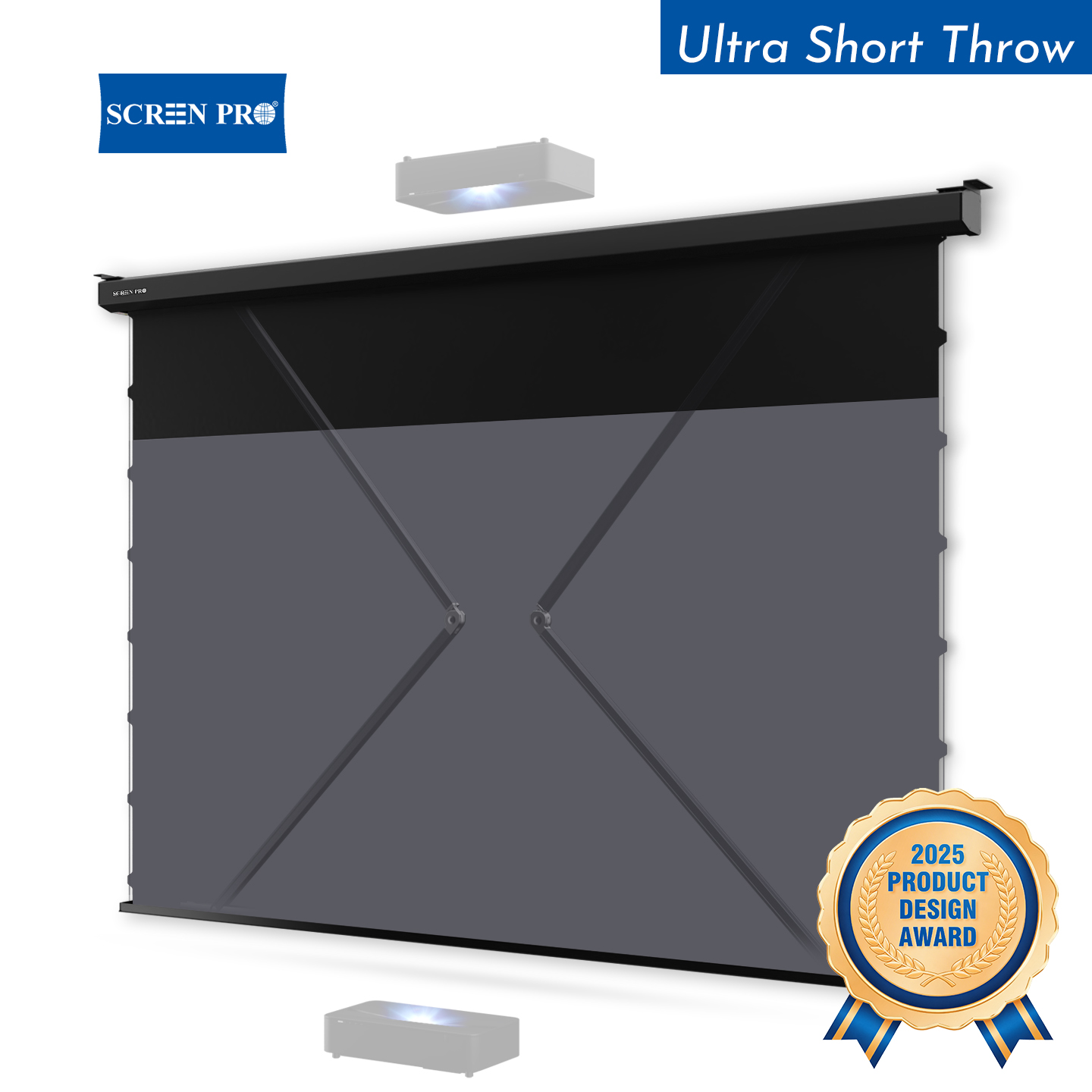
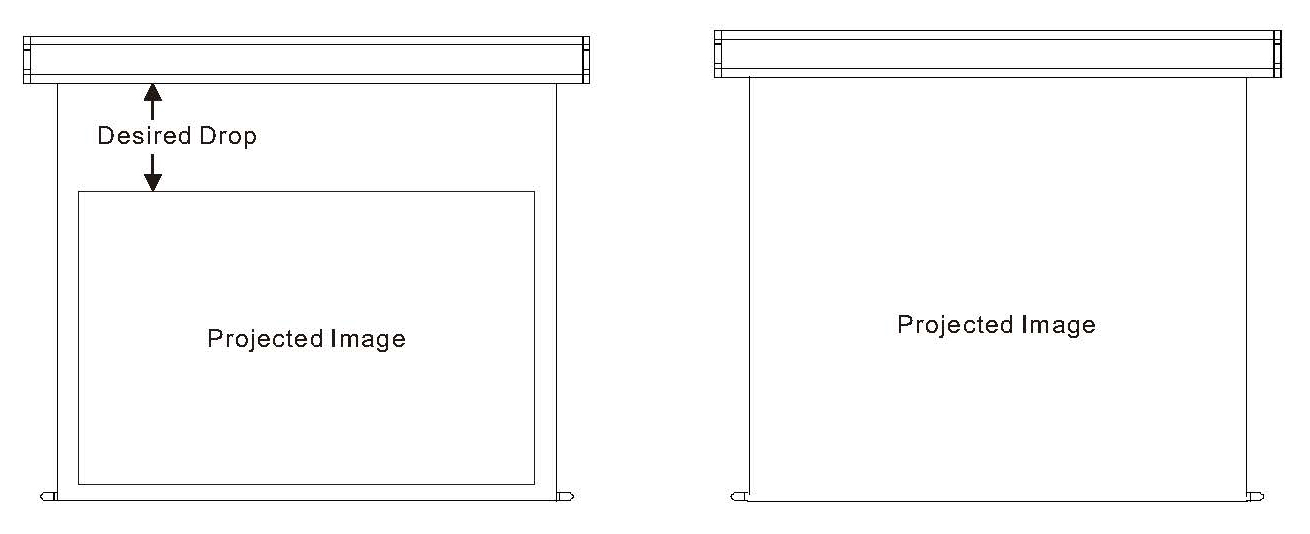
Yes. If the installation space has limited ceiling height, the upper black drop can be reduced or removed based on the required screen structure.
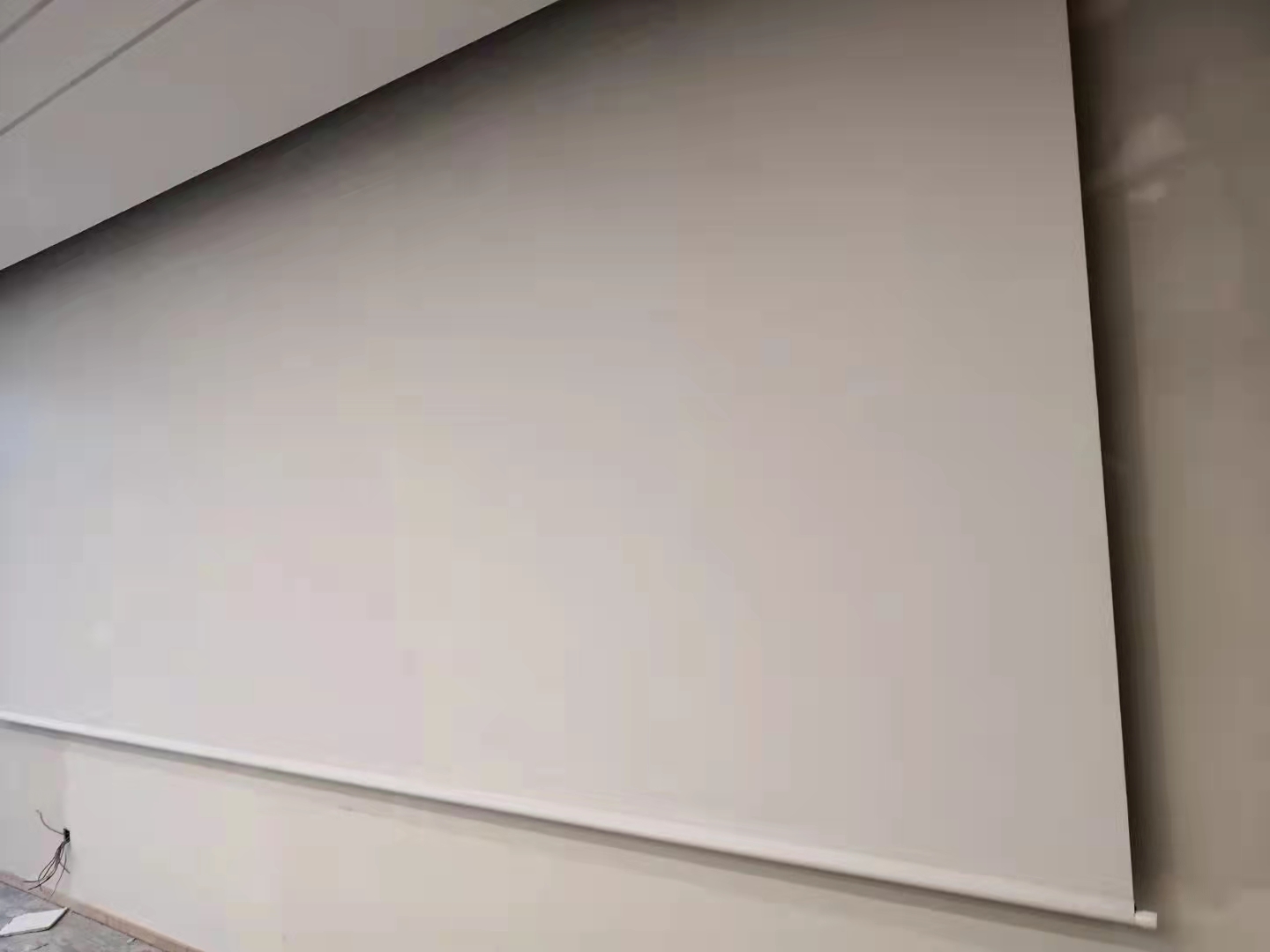
The effective viewing area is the actual projection area with the designated aspect ratio and screen size. Masking areas are usually used to frame the image, absorb overspill light, and improve visual focus.
Tell us your screen size, aspect ratio, installation height, and border requirements. Our team can help confirm the best customization option for your project.
Contact SCREENPRO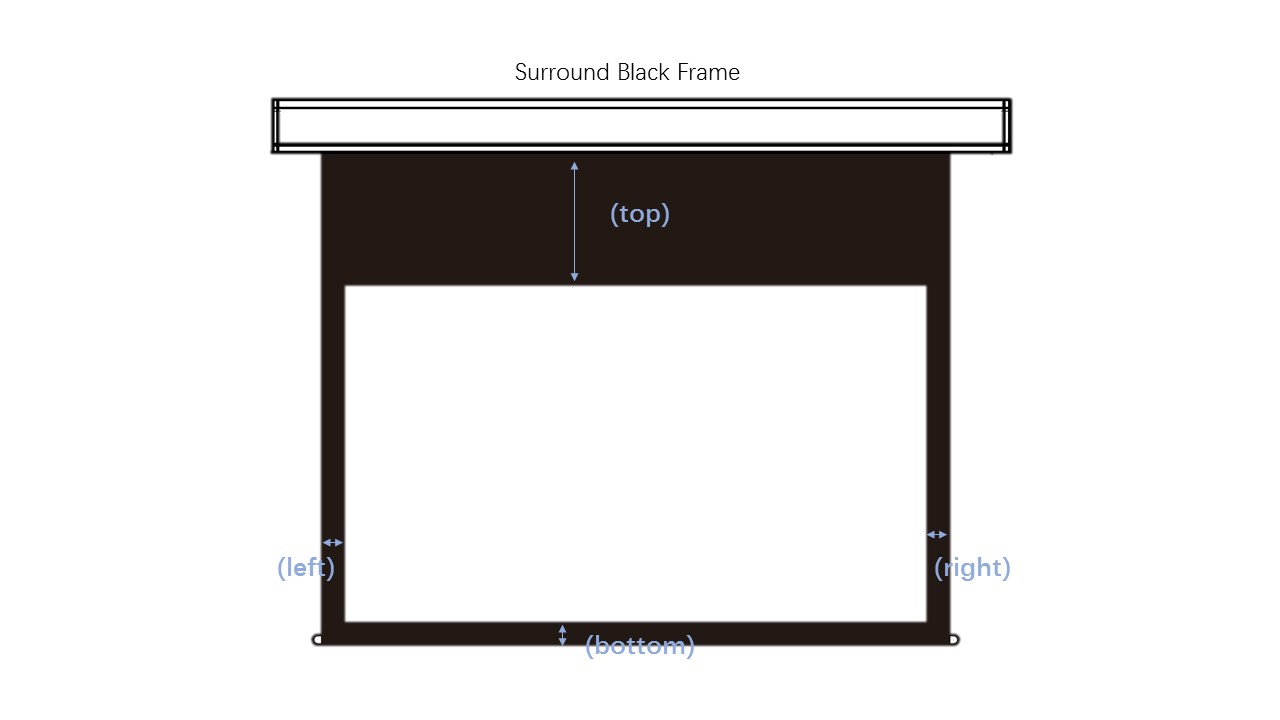
The black border around a projection screen is commonly called a screen masking border. It helps define the image area, reduce light spill, and create a more focused viewing experience.
You can find available online channels here: Find Online
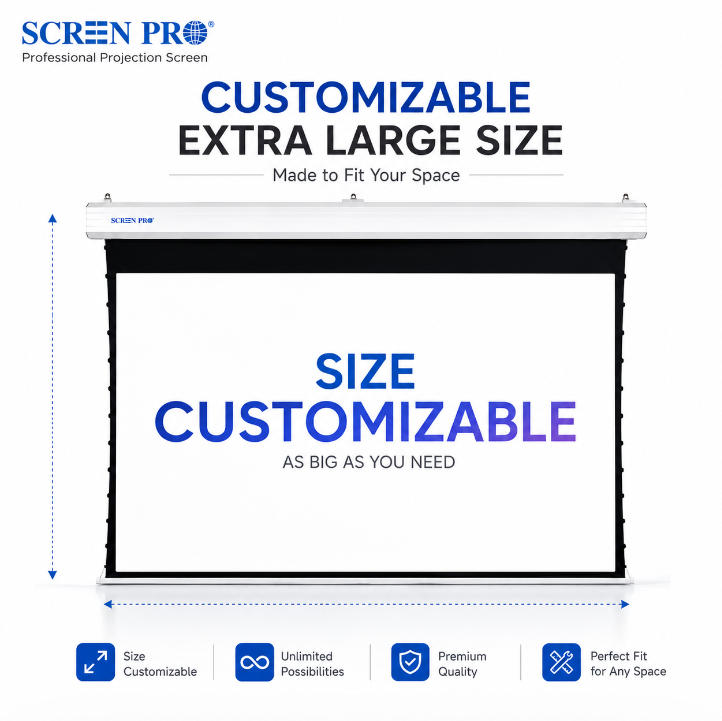
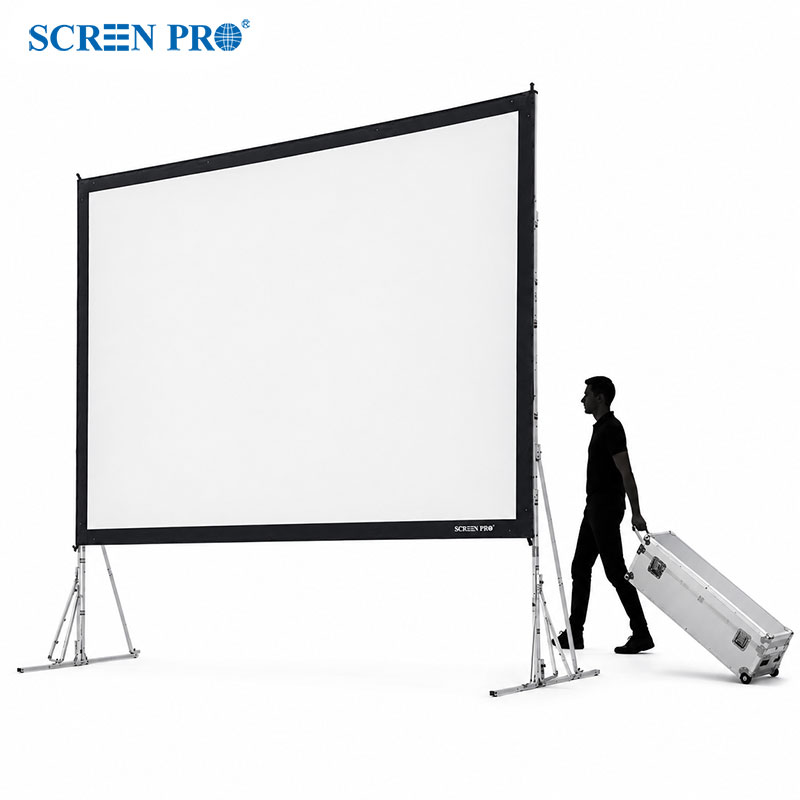
Yes. SCREENPRO supports custom projection screen sizes from 60 inches to over 500 inches, depending on the screen structure and material.
You can view more SCREENPRO project and installation videos here: View More





© Copyright 2004-2026 SCREEN PRO® All Rights Reserved | Specifications are subject to change without notice. All Rights ReservedSite Map Designed by iwonder.cn